Settings
 Fast Delivery
 Free Shipping
 Incoterms
 Payment Types


 Marketplace Product

Mfr Part # A000066
ARDUINO UNO R3 ATMEGA328P BOARD
Arduino

License: GNU Lesser General Public License Microcontrollers Arduino ESP32
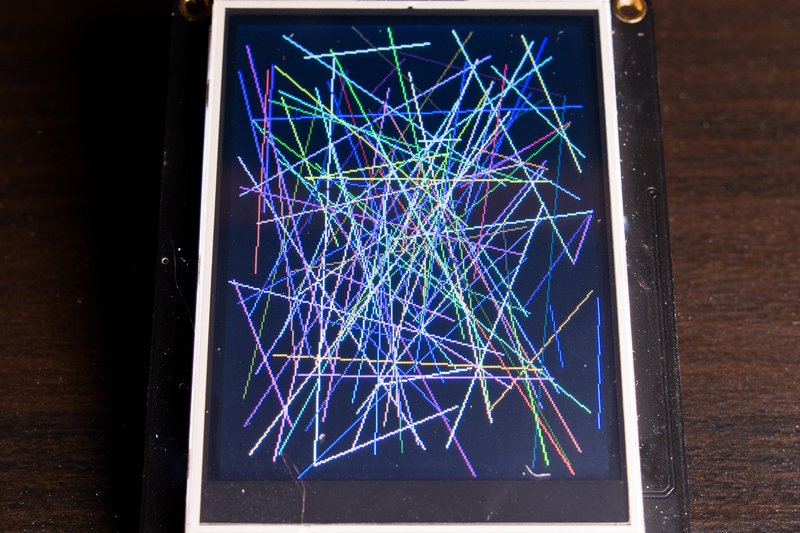
Make a New Year's Eve Fireworks using Arduino and the ST7735 LCD.
Watch the Video!
The project file can be downloaded below.
Learn more about Visuino: What is Visuino
Arduino UNO (or any other Arduino)
Breadboard
Jumper wires
Visuino program: Download Visuino
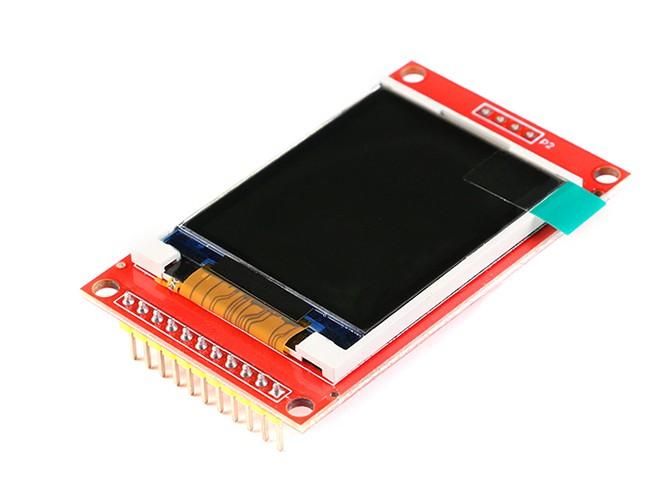
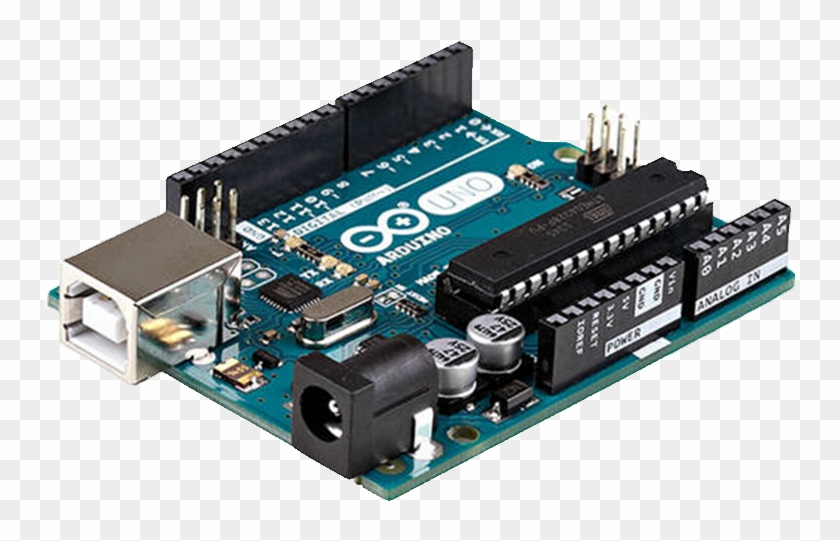
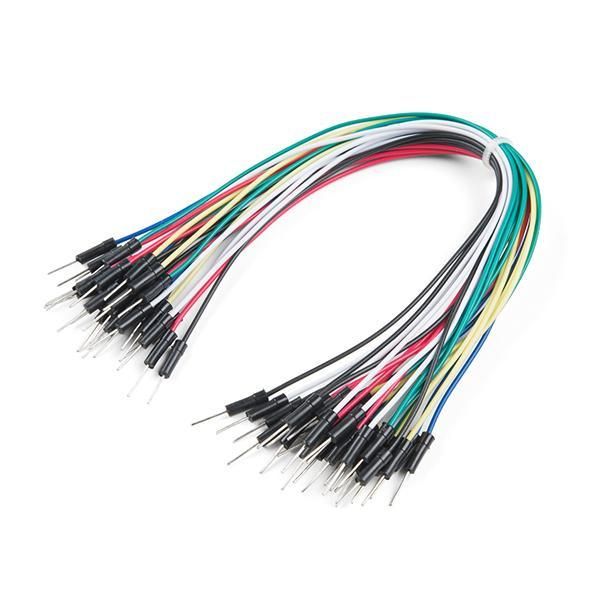
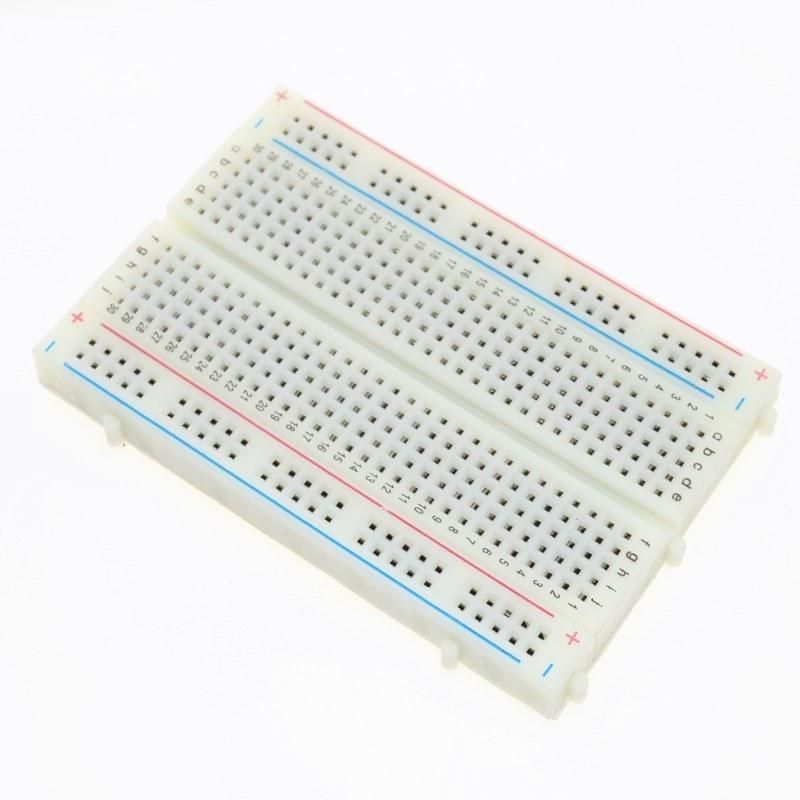
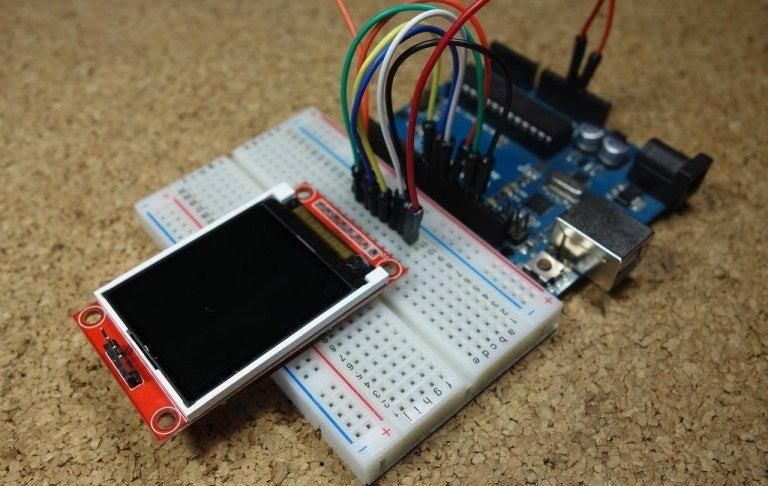
Connect:
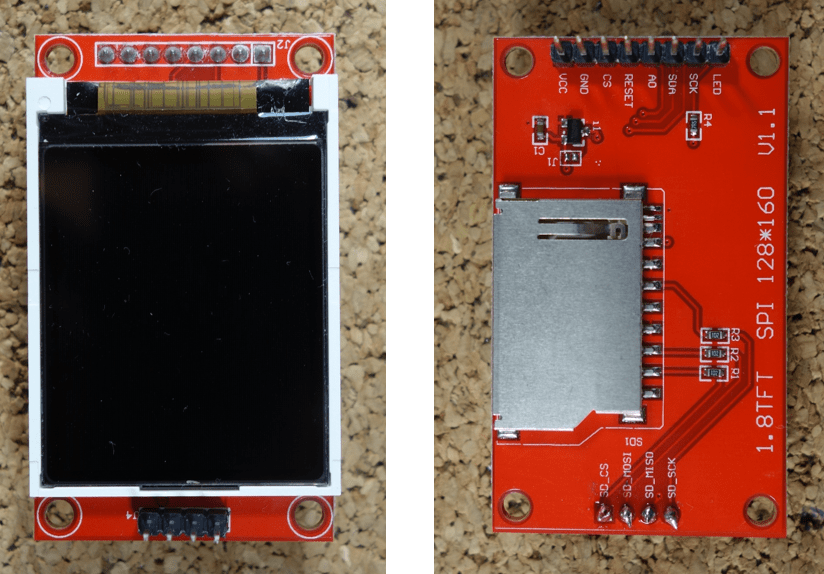
1.8 TFT Display PIN [LED] to Arduino PIN [3.3 V]
1.8 TFT Display PIN [SCK] to Arduino PIN [13]
1.8 TFT Display PIN [SDA] to Arduino PIN [11]
1.8 TFT Display PIN [A0 or DC] to Arduino PIN [9]
1.8 TFT Display PIN [RESET] to Arduino PIN [8]
1.8 TFT Display PIN [CS] to Arduino PIN [10]
1.8 TFT Display PIN [GND] to Arduino PIN [GND]
1.8 TFT Display PIN [VCC] to Arduino PIN [5V]
NOTE: Some Arduino boards have different SPI pins, so make sure you check your board documentation.
Download & Install Visuino program: Download Visuino
Start Visuino and load the project File attached here.
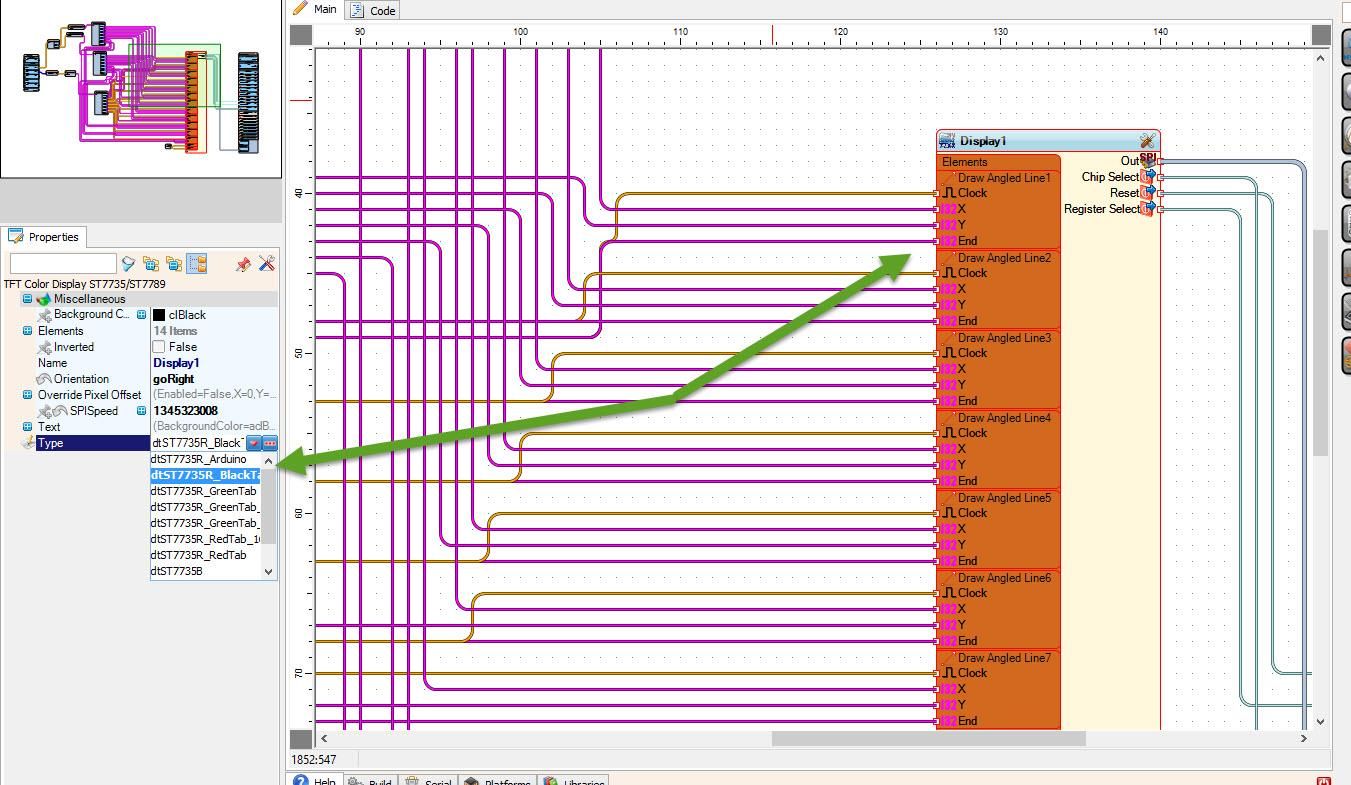
Note: In case you experience some wrong painting on the Display, please check the type of your Display and in Visuino select a different type of LCD. (See Picture 1)
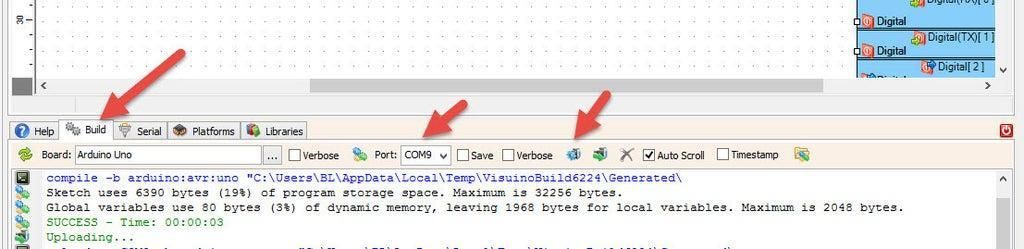
In Visuino, at the bottom, click on the "Build" tab, make sure the correct port is selected, then click on the "Compile/Build and Upload" button.
If you power the Arduino module, the LCD will start to show the fireworks at random positions.
If you want to improve the project, you can add a piezo; see my other projects to see how to play sounds using the piezo module.
Congratulations! You have completed your project with Visuino. Also attached is the Visuino project that I created for this tutorial. You can download it and open it in Visuino: https://www.visuino.eu




 Mexico
Copyright © 1995-2026, DigiKey.
All Rights Reserved.
Terms & Conditions
Privacy Notice
Cookie Settings
Mexico
Copyright © 1995-2026, DigiKey.
All Rights Reserved.
Terms & Conditions
Privacy Notice
Cookie Settings